
 Maya
Maya ZBrush
 Houdini
 Unreal Engine
 Substance Painter
 Blender
 Nuke
Nuke Arnold
 KeyShot
 V-Ray
V-Ray Substance Designer
 Mari
Mari Marvelous Designer
 Marmoset Toolbag
 3ds Max
 3DCoat
 Redshift
 After Effects
 Faceform Wrap
 Lightroom
 OctaneRender
 SpeedTree
 Daz 3D
 Agisoft Metashape
 Fusion
 Modo
Modo RealityCapture
 Gaea
Gaea Cinema 4D
 Gravity Sketch
 Premiere
 Procreate
 Substance 3D Modeler
 SketchUp
 SketchBook
 Quixel DDO
 Katana
 Krita
Krita Natron
 Quixel Bridge
 Quixel Megascans
 Quixel Mixer
 Mudbox
 World Creator
 Yeti
Yeti Ziva VFX
 Mixamo
 Adobe Medium
 SynthEyes
 Clip Studio Paint
 Unity
Unity Gaffer
 xNormal
 TreeIt
 Meshmixer
 Massive
 Materialize
 DaVinci Resolve
 Ornatrix
 PreForm
 Corel Painter
 Moi 3D
 QuickTime
 World Machine
 animBot
 ReCap
ReCap Storyboard Pro

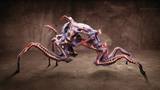
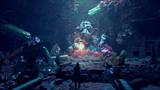



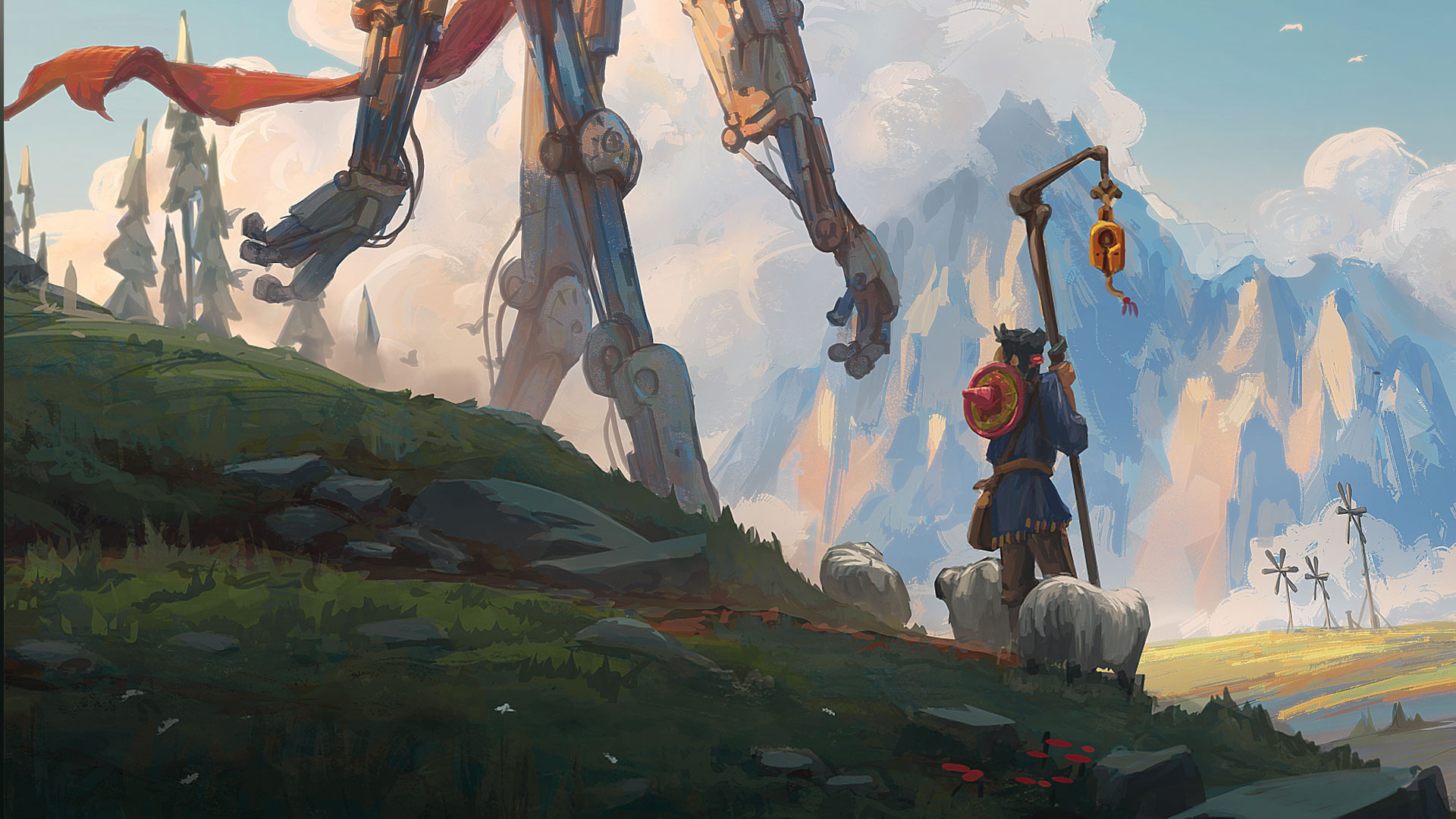


Hamish breaks down his "chaos-to-control" digital painting workflow. Beginning with loose Multiply passes using large textured brushes, he demonstrates how to generate spontaneous color patterning, rust, and grime to bring an otherwise dull surface to life. Artists will then learn to refine basic forms and sculpt edges with hard-edged chisel brushes, recover lighting structure using a grayscale Overlay technique, and fine-tune atmospheric values with Photoshop Levels. Lastly, he adds the finishing details of oil and rust to bring a crisp finish to the vibrant, mechanical surfaces.
Designed as an insightful deep dive into rendering and narrative execution, this workshop equips artists with the practical Photoshop techniques and high-level conceptual principles they need to succeed as a professional illustrator. Whether you want to master atmospheric perspective, paint characterful surface deterioration, or embed visual storytelling into your concept art, Hamish’s workshop provides an actionable blueprint for bringing complex mechanical subjects to life and creating an image that will emotionally resonate with the viewer.
3 Lessons
Hamish Frater kicks off his workshop with a lesson that introduces the narrative concept, scale theory, and reference inspiration before jumping into the digital painting. He demonstrates his loose Multiply pass technique using large textured brushes, laying down initial color patterning and rust before executing a dramatic clean-up mask to snap the mech's silhouette into focus.
Duration: 12m 37s

In this second lesson, Hamish transitions from chaotic textures to defined hard-surface forms using hard-edged chisel brushes. With an introduction to the 1, 2, 3 technique, he shows how to sculpt and bring out forms, separate materials, add narrative battle wear and tear, and how to use a duplicated grayscale Overlay pass as a workflow safety net to instantly restore lost lighting and structural values.
Duration: 15m 50s

In this third and final lesson, Hamish completes the illustration by painting in the finer details of rust, hydraulic oil leaks, and ground-level grime. He shows how to add specular highlights and subtle reflections to portray the metallic materials. Using Photoshop Levels and Color Balance to harmonize values, create realistic color contrasts, and enhance the final graphical read, Hamish finalizes the illustration and briefly reflects on the work completed.
Duration: 11m 23s

Primary tools
For this workshop you’ll need:

* Note that these programs and materials will not be supplied with the course.
Skills Covered
Who’s this Workshop for?
This workshop is tailored for intermediate digital artists, concept artists, and illustrators aiming to elevate their hard-surface rendering and visual storytelling. It’s ideal for painters who understand basic Photoshop tools but want to refine their workflow, moving from grayscale to color first using loose textured passes, then refining with hard-edged chisel brushes.
Whether you’re a student building a portfolio or a professional seeking fresh techniques, these lessons offer practical strategies for painting realistic weathering, scale, and narrative depth.
Learning Outcomes
By completing this workshop, artists will be able to confidently paint mechanical designs with realistic weathering using a grayscale-to-color painting workflow. Skills include:
- How to add color in a structured way, starting loose and broad, then refining later.
- How to use masking techniques in Photoshop to create contrast and crispness in your illustrations.
- How to build narrative into your illustrations through considering contrasts and juxtapositions.
- How to use a 1, 2, 3 technique to clearly render out forms.
- How to use color and lighting to enhance the mood and narrative of your piece.
- How to create visual interest and believable lighting through cool/warm color contrasts.


