
The Gnomon Workshop library is expansive. Over the past 25 years, the library has grown to include more than 350 workshops totaling more than 1,000 hours of training by 200-plus instructors. It’s industry-proven as a valuable resource for individuals, studios, and schools alike, and the professionally led tutorials have supported countless artists as they’ve landed dream roles at companies including Weta FX, ILM, Naughty Dog, and Blizzard Entertainment. If there was ever a downside to having access to such a vast library of content at your fingertips, it would be knowing where to begin. Enter Learning Paths.
The Gnomon Workshop has curated 26 Learning Paths, featuring collections of workshops, each handpicked by Founder Alex Alvarez to guide artists on their journey. Whether artists are entirely new to The Gnomon Workshop, just starting out, or experienced artists looking to brush up on their techniques, the Learning Paths are designed to help artists stay on track every step of the way.
Learning online can bring a great amount of freedom, especially if you’re doing it in your spare time, but this also comes with responsibility, and it can often be hard to stay motivated. The Learning Paths recognize this struggle and aim to offer structure, guiding you through a subject and bringing you up to speed, curated by the people who know them best.
“Our Founder and President, Alex Alvarez, spent a considerable amount of time reviewing all the workshops in our library to curate the 26 Learning Paths,” says The Gnomon Workshop team. “His goal was to carefully select collections that would help artists hone in on the topics they are most interested in. Attention was paid to the order of each Learning Path to ensure that workshops offer progression from start to finish and accommodate artists of all skill levels, from beginners to advanced.”
Choose Your Path
The 26 Learning Paths currently available cover a wide range of subjects, and there’s something for every artist. Whether you’re looking to gain essential skills in Foundation Drawing and Rendering, boost your knowledge of Character Design, or understand the intricacies of Grooming, there’s a Learning Path to help support your journey.
Following a Learning Path gives you all the knowledge you need to pursue your career, but they’re also great for experienced artists who want to understand how colleagues in different departments and teams work, too. And as The Gnomon Workshop continues to grow, so, too, will its Learning Paths.
“We are constantly adding new content to our library, and our focus is on ensuring we are always expanding our library to provide the training that artists need to be successful in careers in animation, games, and visual effects,” says The Gnomon Workshop team. “This involves continually consulting with industry professionals, studios, and our instructors to understand the tools and techniques being used and the skills artists need to stay current in their careers and keep their portfolios up to date.”
Learning Path Spotlight: Mech & Prop Design
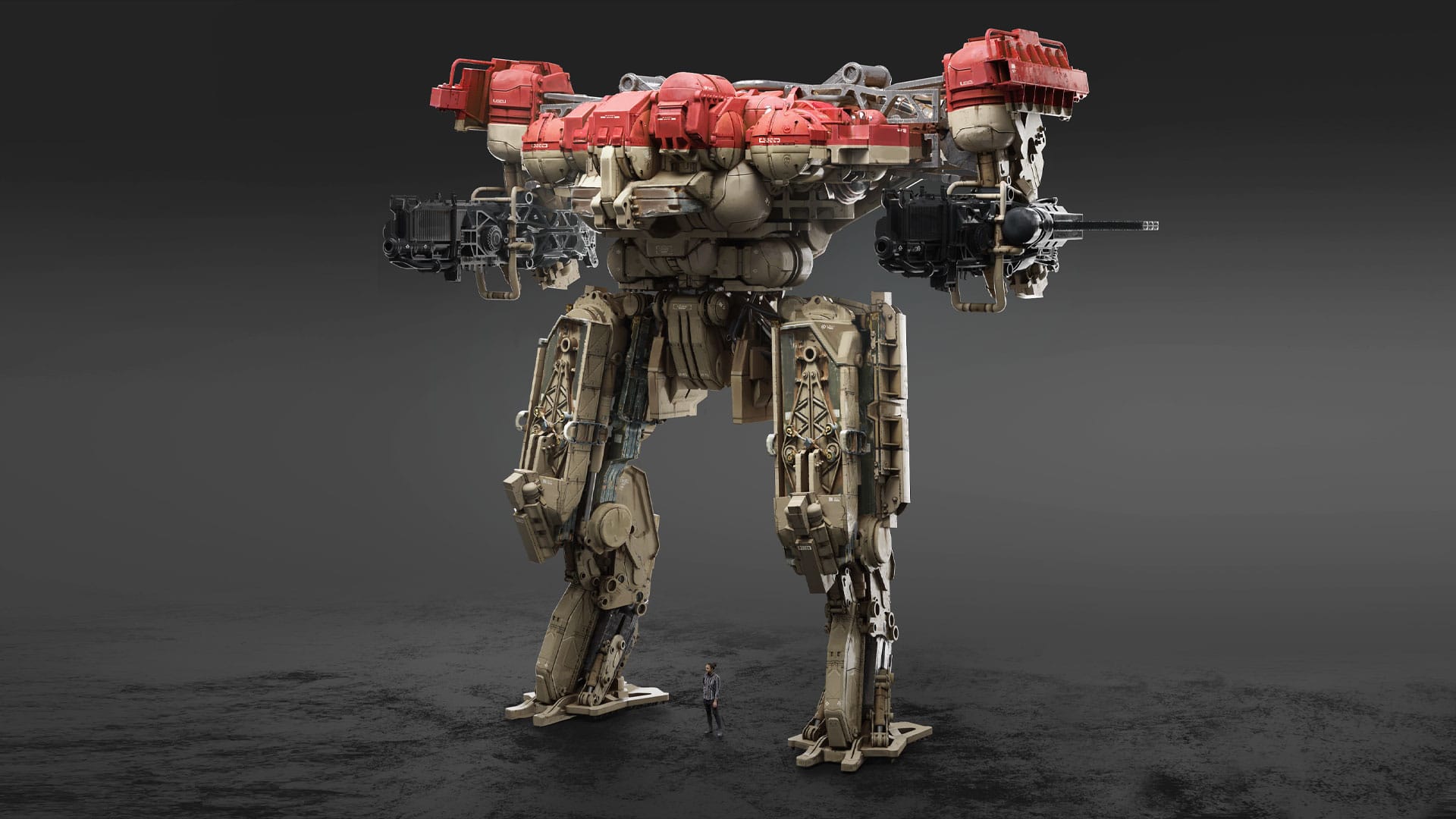
Among the many Learning Paths you’ll find, Mech and Prop Design, a soup-to-nuts guide to the sketching and hard-surface modeling skills that can create monolithic mechs and plausible props. This particular path begins with an introduction to 3D modeling in specialized software before diving into weapon, movie prop, and mechanical character design for games, movies, and animation.
Three of the professional instructors featured in this Learning Path have shared their insights below to help you understand what to expect from their expert knowledge and the lessons available in their workshops.
Mech & Prop Design Instructor Spotlight: Kris Turvey
The first instructor to greet artists entering this Learning Path is Kris Turvey. After spending most of his 20s trying to make it as a guitarist, Kris returned to his childhood love of art before landing work in the games industry. After following The Gnomon Workshop tutorials himself as an artist, he then moved into working as a freelance concept artist for movies including Argyle, before making the jump into 3D design for Dune: Part Two.
When it comes to the difference between creating concept art and 3D prop design, Kris says: “When you see something on screen or in a computer game, you can see how the picture you drew influenced it. Whereas, when you’re modeling the props, what you made is literally what they’re holding in the film. So when you see Christopher Walken waving his knife around, you go, ‘That’s my knife! I made that knife!’ It’s really exciting to see your actual thing on screen.”
The essential tool in Kris’ arsenal is Autodesk Fusion. This straightforward computer-aided design software makes it easy to focus on the creative aspects of 3D modeling, and Kris’s Introduction to Fusion workshop is the perfect starting point for this Learning Path.
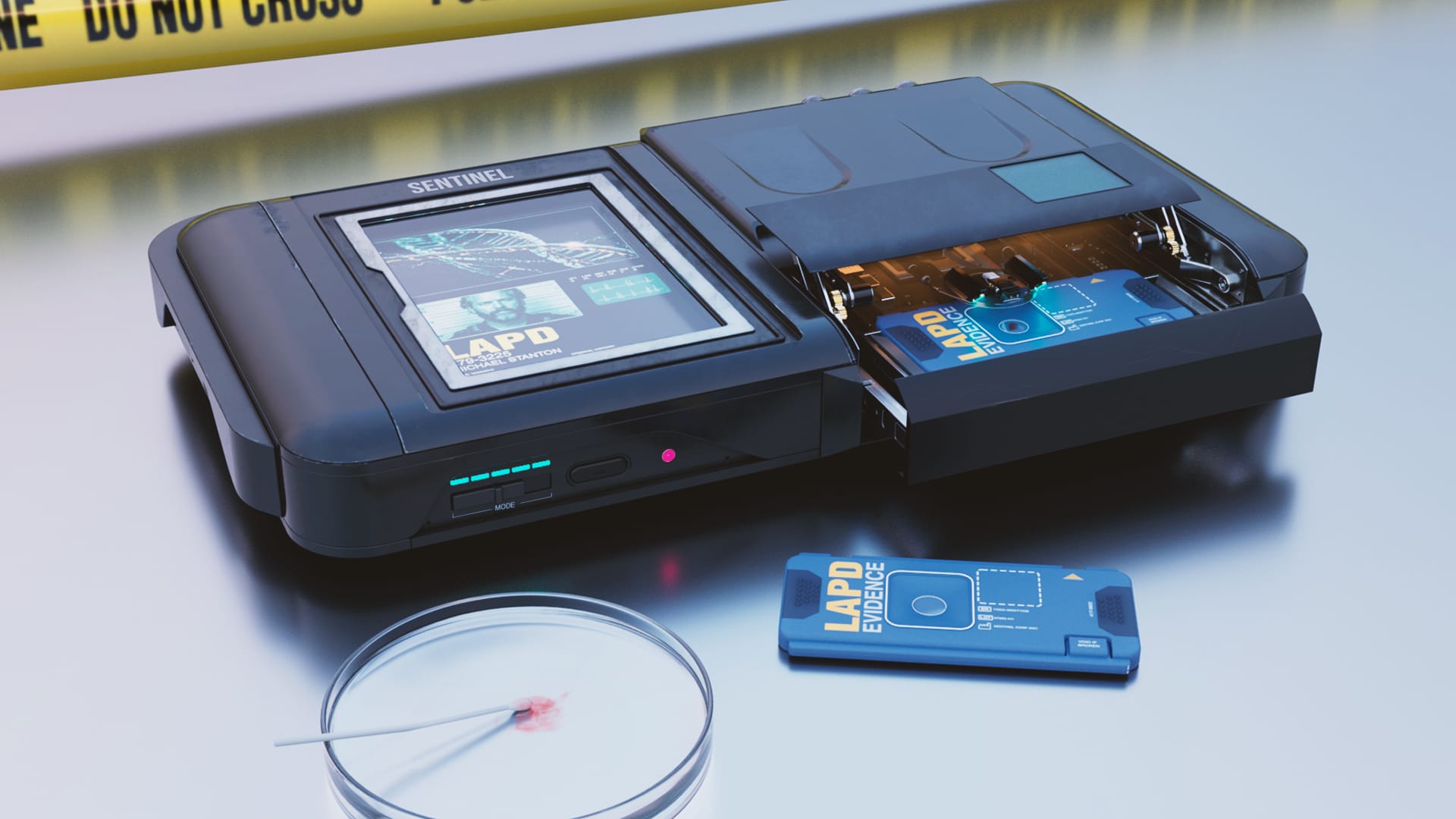
Once you’ve learned the basics of Fusion, you can move on to Kris’s other workshop in the Learning Path: Designing Sci-Fi Props for Film, which expands the software scope, bringing in Photoshop for design, then moving to Fusion for modeling, and adding Substance Painter and Maya for final renders. As well as teaching fundamental techniques, Kris also dives into the deeper aspects of creating cinematic props.
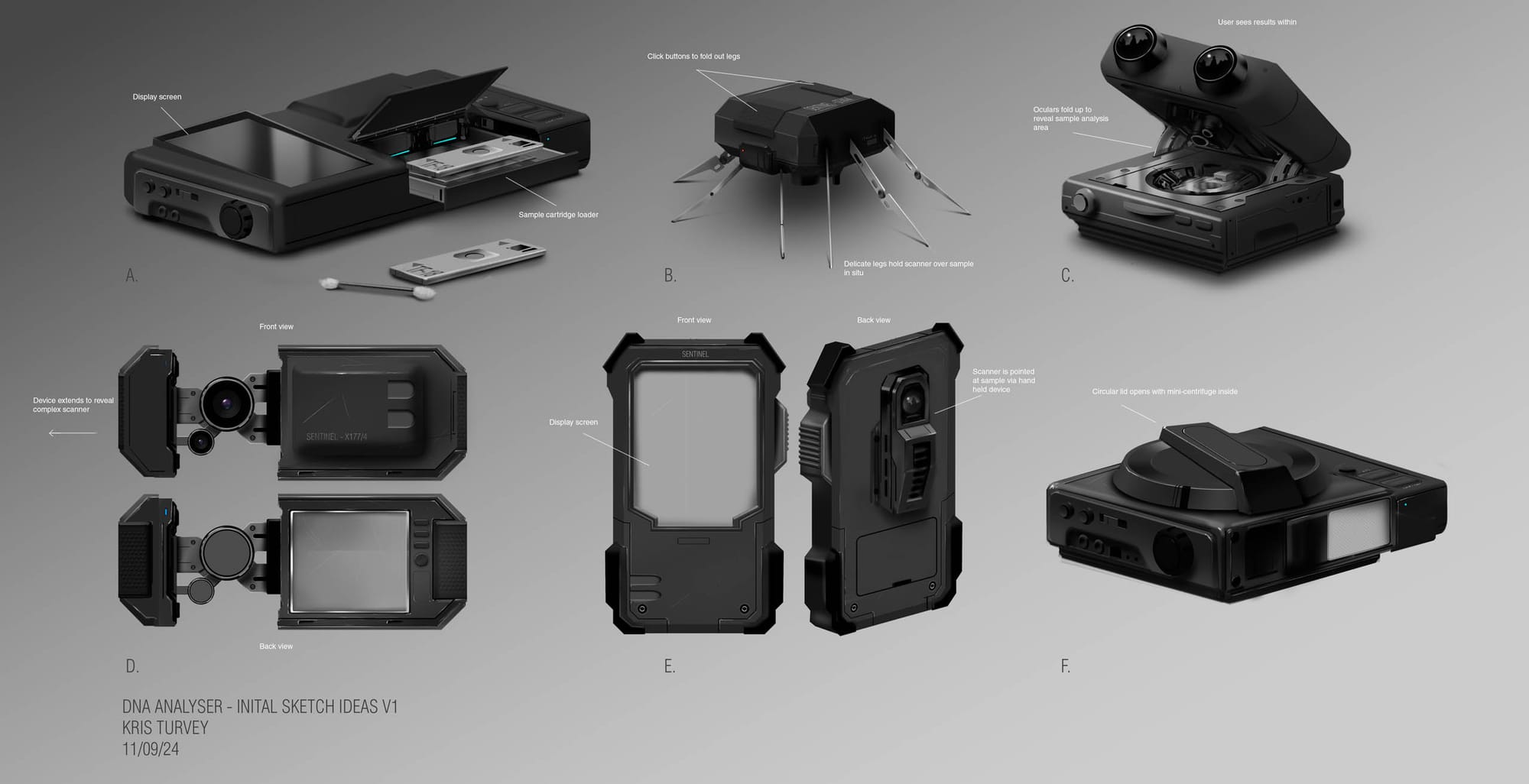
“It’s much more about design theory and understanding how real-world objects are made, and how their functionality dictates their form and shape,” explains Kris. “And, conversely, how you can look at the shape of an object and automatically confer what it does, and how to use that language when you’re designing made-up things to help the audience instantly understand its purpose.”
Mech & Prop Design Instructor Spotlight: Gavin Manners
Like Kris, Gavin Manners’ career in concept art came a little later in life. After an electrical apprenticeship failed to provide him with a creative outlet, he went to university to study interior design, but soon got sidetracked into the games industry. He freelanced for various outsourcing companies before id Software Art Director Emerson Tung reached out with a job offer, having seen Gavin’s work on Instagram, and he upped sticks from the UK to id’s HQ in Dallas, Texas, where he’s working on DLC for Doom: Dark Ages.
“It’s basically a dream job,” says Gavin. “A little bit of a compromise moving across the planet. It was a really great time to join because they’ve got this game, and they’ve got an established art style. It’s the first time I’ve ever seen such a direct relationship between my idea, my artwork, and what I see in the game, because it’s such a well-oiled machine.”
Key to Gavin’s approach to his work is kitbashing, the art of taking parts of existing 3D models and combining them to make something new and unique. There are many kitbash sets available online, but they tend to be expensive and easy to recognize if you know what you’re looking for. In Designing a Custom Kitbash Library, Gavin’s Gnomon Workshop, he covers a different approach.
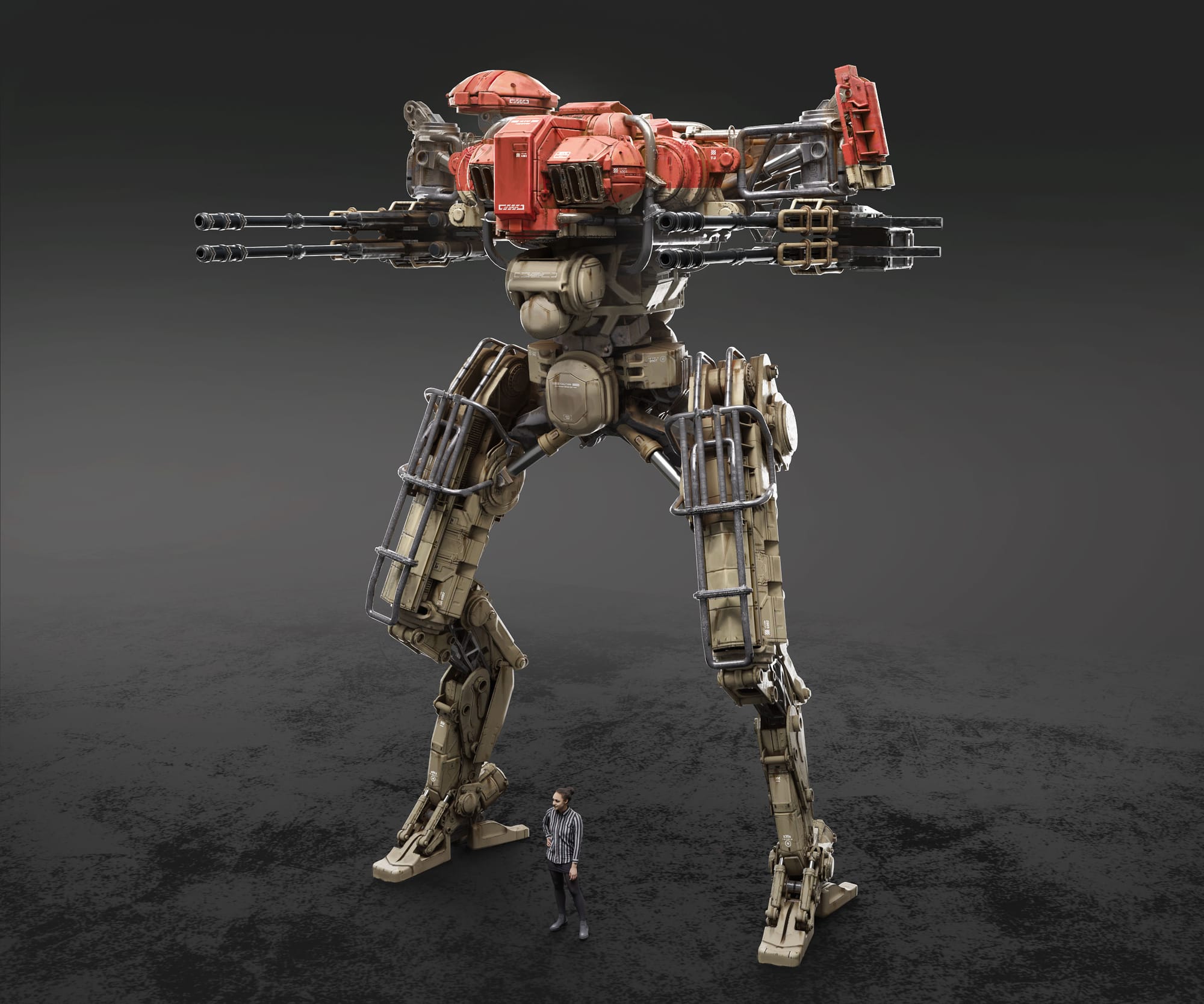
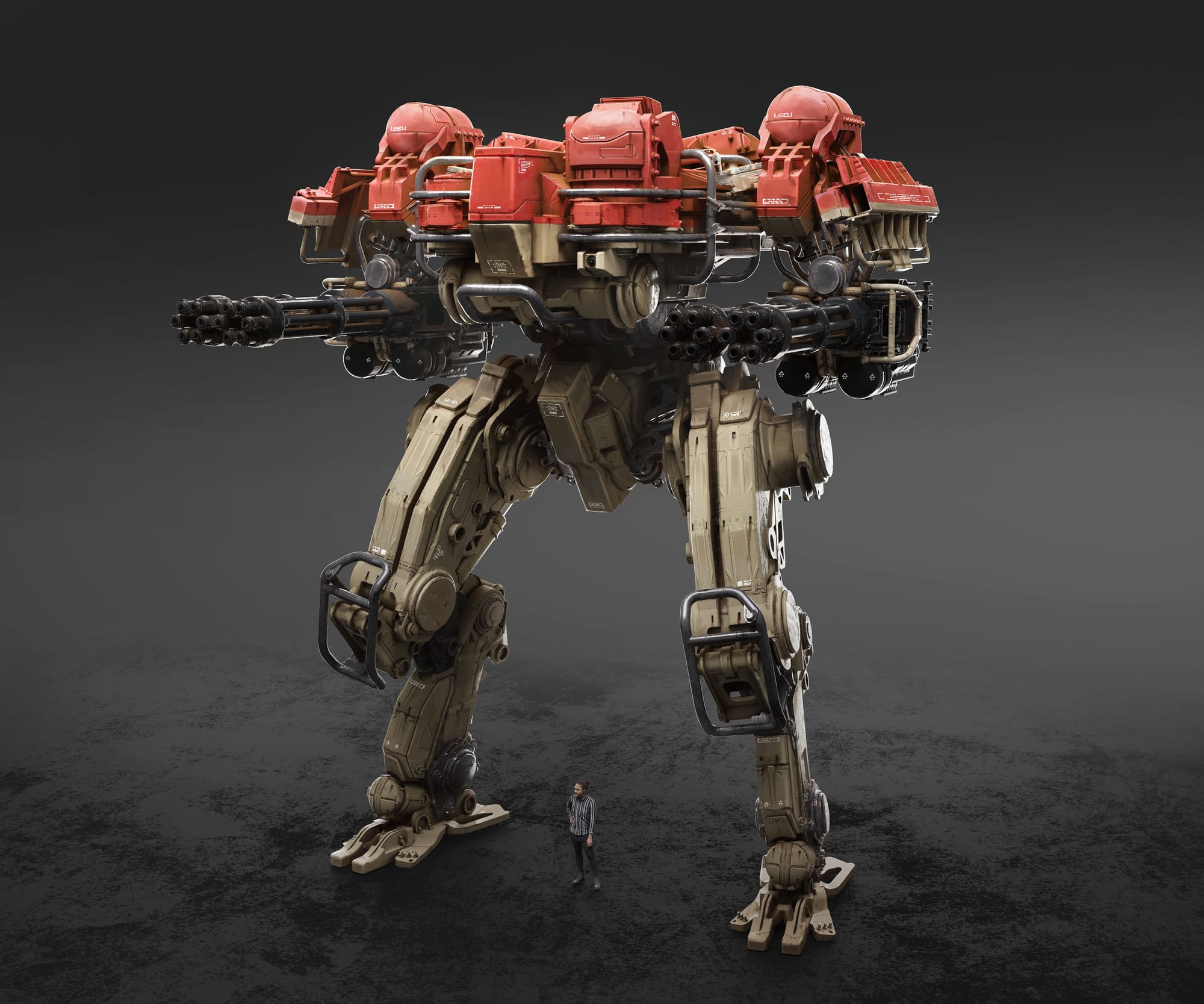
Gavin Manners teaches how to create variations of a mech design using your own custom kitbash library in his Gnomon Workshop title
“What I really wanted to put across are observation skills and studying the real world, and how to directly apply that to design ideation,” says Gavin. “But the main thing is the serendipitous nature of kitbashing. I wanted to show that you could do it yourself. If you spend a bit of time, you can make your own kitbash set — and then your work becomes much more personal as well.”
Mech & Prop Design Instructor Spotlight: Paul Ozzimo
Paul Ozzimo has always loved modeling, beginning with model kits as a kid. He landed a job at a model shop with unlimited access to materials, paints, tools, and experts, and built models of The Empire Strikes Back’s AT-ATs and Chicken Walkers from scratch. This led to an interview with Pat McClung, who built the original AT-ATs, and his career grew from there, taking in movies including X-Men 2, Logan, Star Trek, and all the Avatar movies, including Avatar: Fire and Ash.
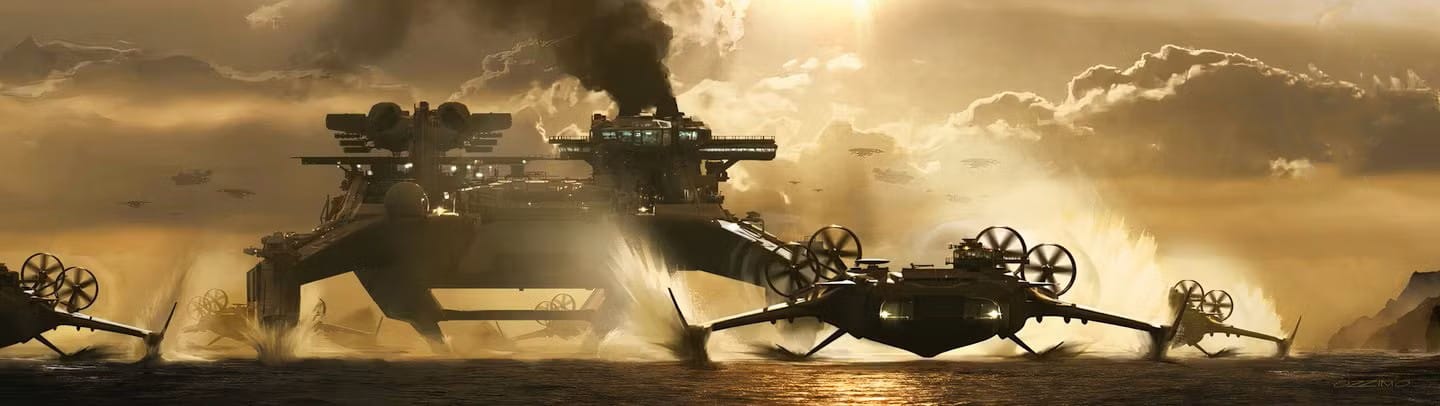
“The projects that I am most proud of are the Avatar movies,” says Paul. “All of my interests in form, language, and detail came into play on those. They were a technical challenge, considering that we were working on scenes with hundreds of millions of polygons at the time, on our own equipment. Needless to say, we all bought many new graphics cards on that one!”
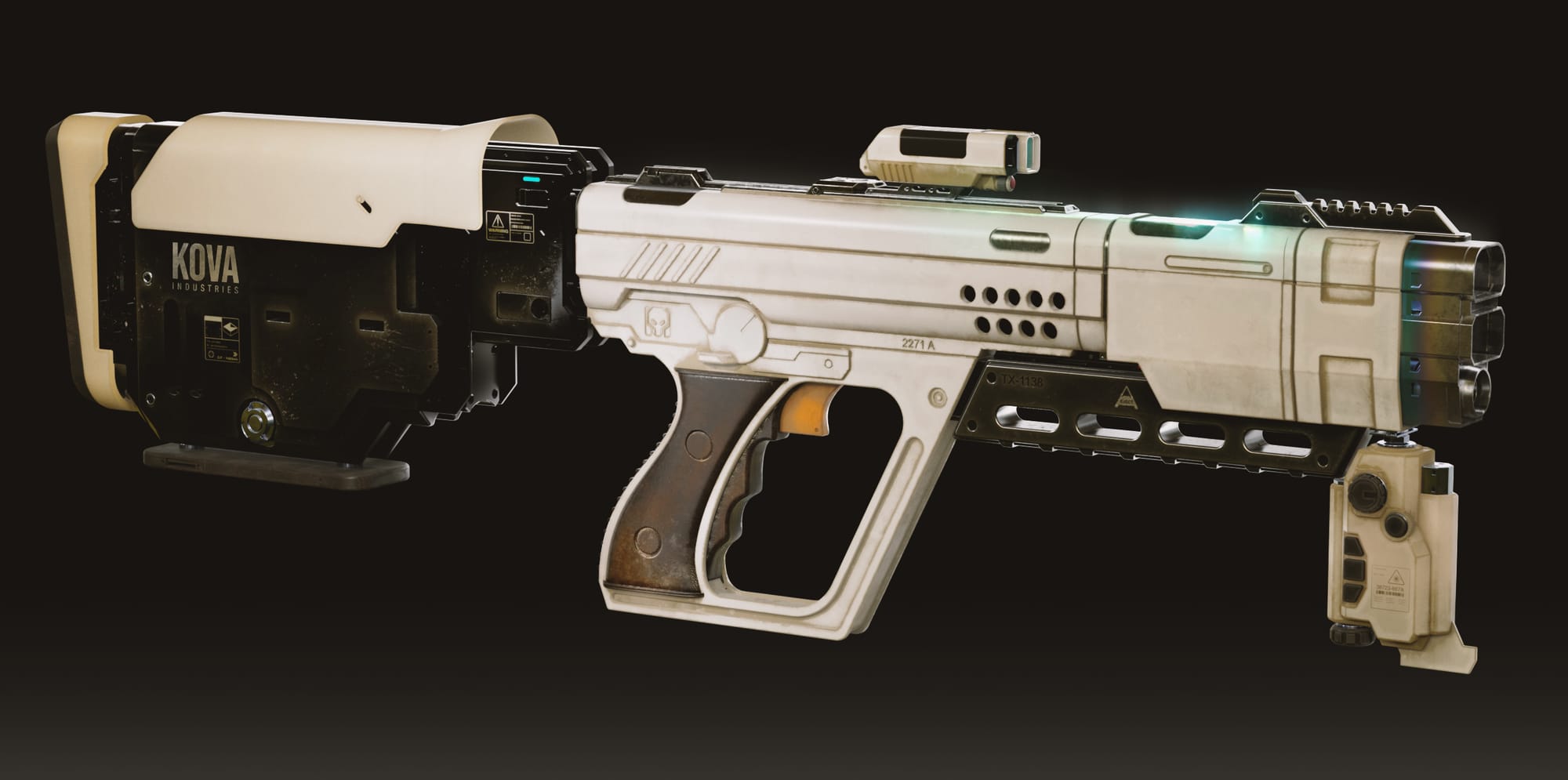
Paul’s career has also thrown up artistic challenges, but thankfully, his deep-rooted love for all things Star Wars helped him get through working on The Mandalorian seasons two and three, where he was often required to produce two prop approvals a day. And he’s brought these learnings into his Prop Blaster Design Gnomon Workshop, so students can learn how to create cool intergalactic weaponry and be ready for the day-to-day rigors of movie design.
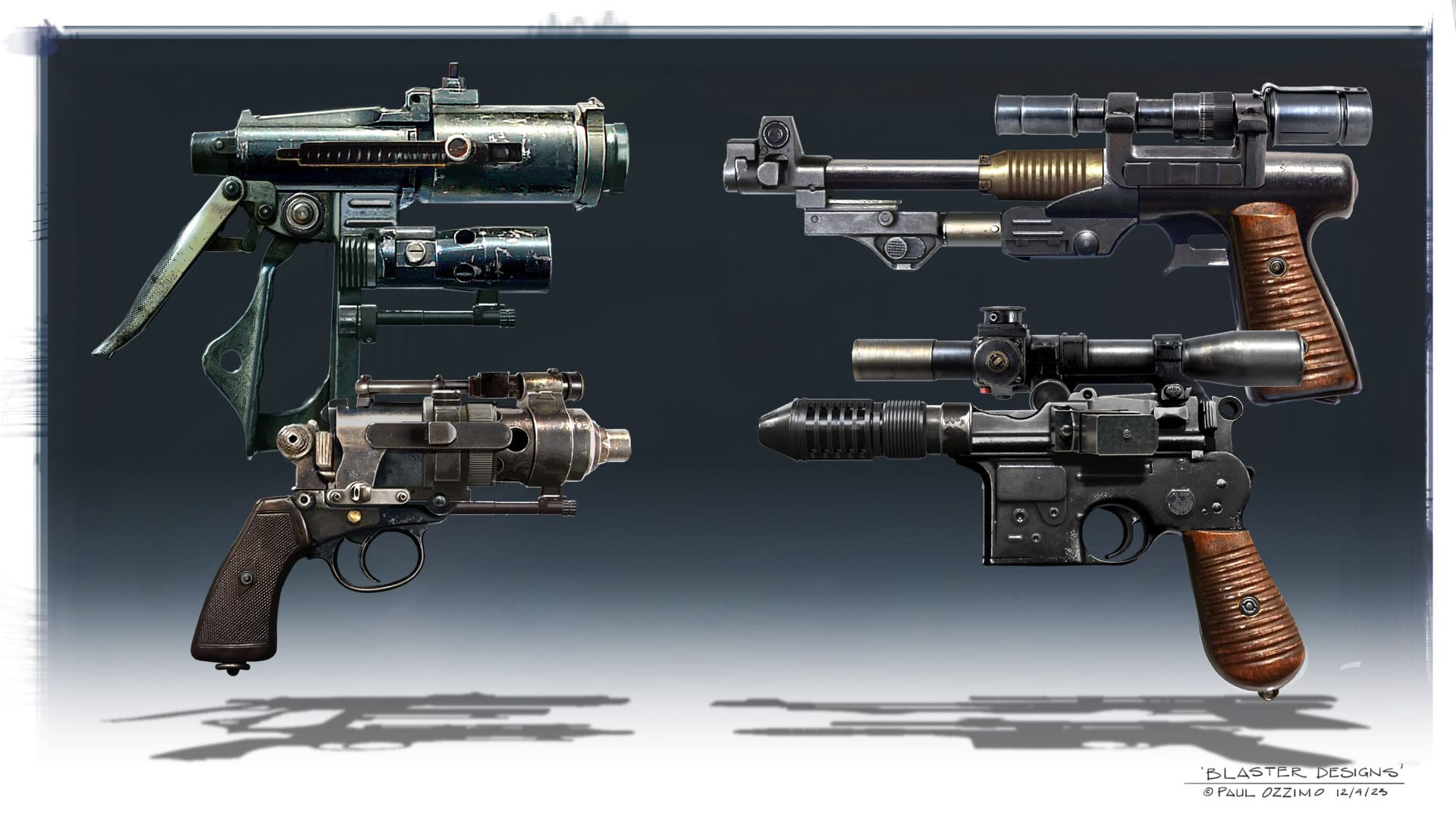
“Speed and productivity were the key elements to success on those shows,” he says. “In that workshop, I also teach preparation for the job - as soon as I knew how much design work was going to be needed, I put together a kitbash sheet for blaster components. Preparation was followed by basic sketching and painting techniques to blend all of the components together seamlessly.”
But Paul’s biggest tip is a practical one: “Around that time, I did shift my entire workflow over to pen-tablet driven, and threw away my mouse,” says Paul. “The amount of time and frustration saved was amazing — I could almost do a workshop on just that!”
Paul, Gavin, and Kris are just some of the tutors you’ll find in this Gnomon Workshop Learning Path, and each brings their own professional experience and personality to their tutorials, so you’ll learn how to create great artwork and pick up techniques to help you thrive in the industry.



Related News
Beauty in the Beast: Neville Page on Burnout, Mindset & Creative Survival
May 07, 2025
Beauty, Beasts & Better Pipelines: Neville Page on Digital Design & Practical Makeup
May 07, 2025
Capturing Assets & Environments for Call of Duty: An Interview with Gui Rambelli
Feb 10, 2025